











Android users in Congo-Brazzaville can install the Fortebet app directly with an APK, the installer package used to add an application to a phone. A direct download gives you control over when the installation happens and which file you open, but it also means you should use the official download source and check the file before installing it.
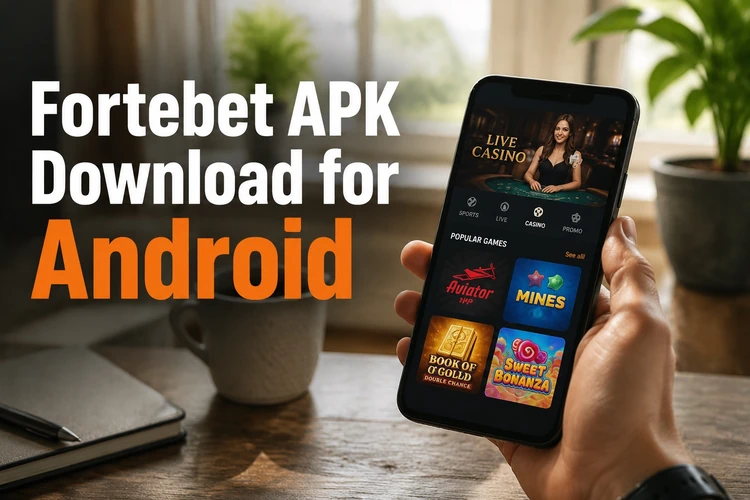
A dedicated application can be more convenient than keeping a browser tab open. It keeps the betting interface in a format designed for a phone, while the browser remains useful when you need to check account information or solve a sign-in problem. On a mid-range smartphone, performance still depends on available memory, connection quality and the number of other apps running in the background.
Before starting, make sure the phone has enough storage, a charged battery and a stable mobile data or Wi-Fi connection. Do not install files shared through unofficial messages or modified APK sources. If the download page, file name or requested permissions look unusual, stop and verify the source instead of proceeding.
Why Choose the Mobile App
The application puts the main betting screens within easy reach. Match lists, bet slips and account details are arranged for a smaller display, so you do not need to zoom in or repeatedly reload a desktop-style page.

Live markets can be easier to follow when the match screen and bet slip stay available together. However, odds can change between the moment you select a market and the moment you confirm a wager. Read the current price and stake carefully before submitting, particularly when using mobile data in a weak-signal area.
After signing in, you can usually move between sports, open bets, settled bets and cashier functions without starting a new browser session. If the session expires, use the account login screen rather than entering credentials into a page reached from an unknown link.
Main Features of the Fortebet App
The app brings the core account and betting tools together. Availability of specific markets, games and payment methods can vary by location and by the account status shown on the platform.
- Sports betting: football, basketball and other events with pre-match odds and different bet types.
- Live betting: in-play markets that change while a match is running.
- Casino section: slots and table-style games where those services are offered in the region.
- Account management: profile details, verification information and password changes.
- Deposits and withdrawals: cashier options available to users in Congo-Brazzaville.
- Betting history: records of open and settled bets, stakes and outcomes.
- Notifications: alerts related to bets and account activity.
Review the bet slip before confirming a wager. Check the event, selection, odds and stake, then keep the confirmation or reference details if the screen provides them. Betting history is also useful for checking whether a wager is still open and for monitoring spending over time. The match predictions section may provide pre-match information, but it does not remove the need to make your own decision.
How to Download and Install the Fortebet APK
Android normally restricts installations from outside an app store. The permission is granted to the particular browser or file manager that opens the file, not necessarily to the whole phone.
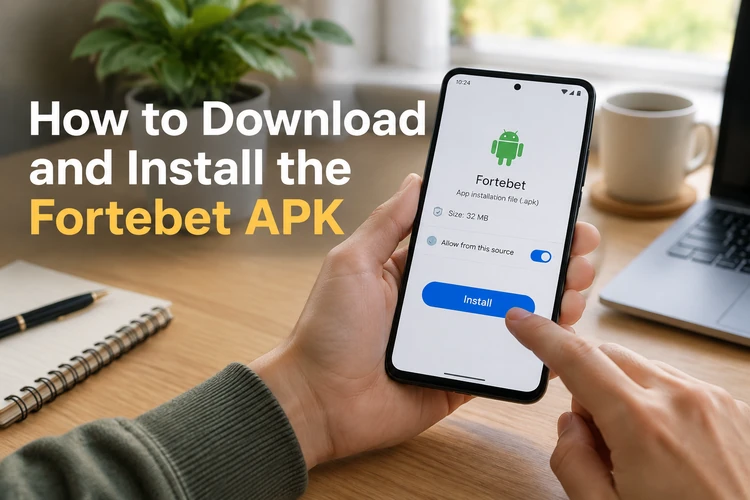
Follow these steps on the phone you will use:
- Step 1: Open the official download page on the Android phone.
- Step 2: Tap the download control and wait until the file finishes saving.
- Step 3: If Android asks, allow the browser or file manager to install unknown applications in Settings.
- Step 4: Open the completed file from the notification panel or Downloads folder.
- Step 5: Review the installation prompt and confirm if the source is trusted.
- Step 6: Wait for the installation to finish, then launch the app.
- Step 7: Sign in with an existing account or complete registration through the official service.
Never delete an existing app before confirming that you have remembered your login details and that the new file is compatible. If Android warns that the package is damaged or incomplete, remove it and download a fresh copy rather than trying to bypass the warning.
How to Update the Application
Directly installed applications do not always update automatically. Check the official download page from time to time and compare the available version with the one shown in the app settings, if that information is displayed.
To update, download the current installer and open it after the download completes. Android should recognise the existing installation and replace it in place, normally preserving account data and history. Do not uninstall first unless the update instructions or an error message specifically requires it. Keep the phone connected to power if the file is large, and avoid interrupting the process.
Common Installation Issues and Solutions
Most installation problems involve permissions, storage, compatibility or an incomplete file. If the installer will not open, enable the unknown-app permission for the exact browser or file manager used to open it. If the download stopped halfway, delete the partial file and start again on a stable connection.
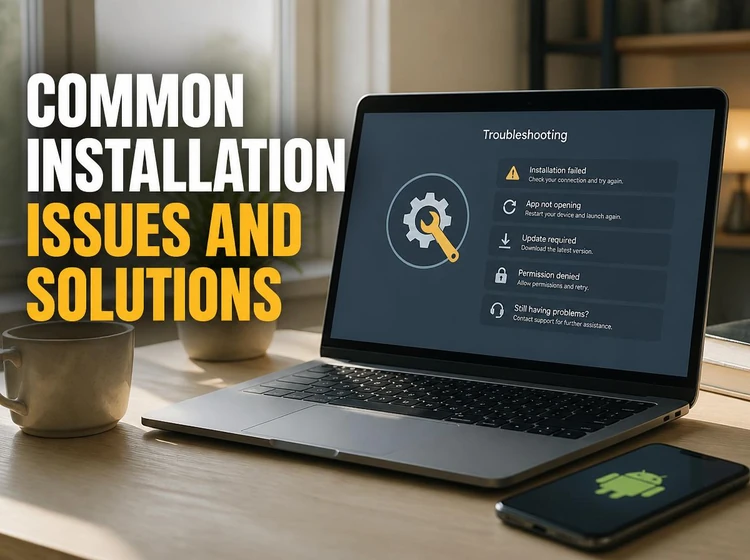
For an insufficient-storage message, remove unused downloads or move personal files before trying again. Android needs working space in addition to the final app size. If the phone reports that the version is incompatible, check for system updates; an older device may need to use the mobile website instead. Security scanning can also pause an unfamiliar installer. Do not disable protection blindly: verify the source and file first, and stop if the warning identifies a concrete threat.
System Requirements
A recent, supported Android version, several hundred megabytes of free storage and a reliable internet connection cover the basic requirements. Exact compatibility can change with a new release, so use the requirements shown on the official download page rather than relying on a guessed version number.
Live betting uses more data than reading a static page because prices and event details refresh continuously. A weak signal may delay what appears on screen, so confirm the latest market information before placing a bet. Review permissions as they appear and allow only those that match the app's stated functions.
Betting is for players aged 18+. Set a personal spending limit before depositing, keep betting funds separate from essential expenses and use the responsible gambling guidance if gambling stops feeling controlled.
FAQ
The installer itself does not require a purchase. You still need mobile data or Wi-Fi, and your provider may charge for the data used. Deposits and bets are separate account activities.
No. An APK can be installed directly after you allow the browser or file manager to install unknown applications in Android settings. Turn that permission off again when you finish if you do not need it.
Yes. Use the same login details as on the website. Your account balance and betting history are linked to the account, not to a separate mobile registration.
Check the unknown-app permission, available storage and the Android version first. An interrupted download can also create a damaged file, so delete it and download the installer again from the trusted source.
Download the current installer from the official page and open it over the existing installation. Uninstalling first is normally unnecessary and may create avoidable problems if you no longer have your login details.
Live markets can be available in the app while an event is running. Prices may change quickly, and a weak connection can delay the information displayed, so check the market carefully before confirming a wager.